Direct a virtual performance
Shape the artist, setting, camera language, and energy from one creative brief.
Build a story from your song
Sequence scenes, stills, and transitions into a release-ready visual narrative.
Put every lyric on beat
Turn vocals into timed typography that moves naturally with the rhythm and emotion.
Set your cover art in motion
Turn cover artwork into a polished vinyl loop made for release promos and listening content.
From your song to the final frame.
Upload your track. AIMusicGen turns it into a release-ready music video.
Start creatingHow to Use the AI Music Video Generator
Turn a generated or uploaded song into an AI Singer, lyric, slideshow, or vinyl video without a traditional video-editing timeline.
Create an AI music videoUpload or choose a song
Upload an eligible audio file or choose a completed track from your Aimusicgen library. The selected song becomes the soundtrack and timing source for your video.
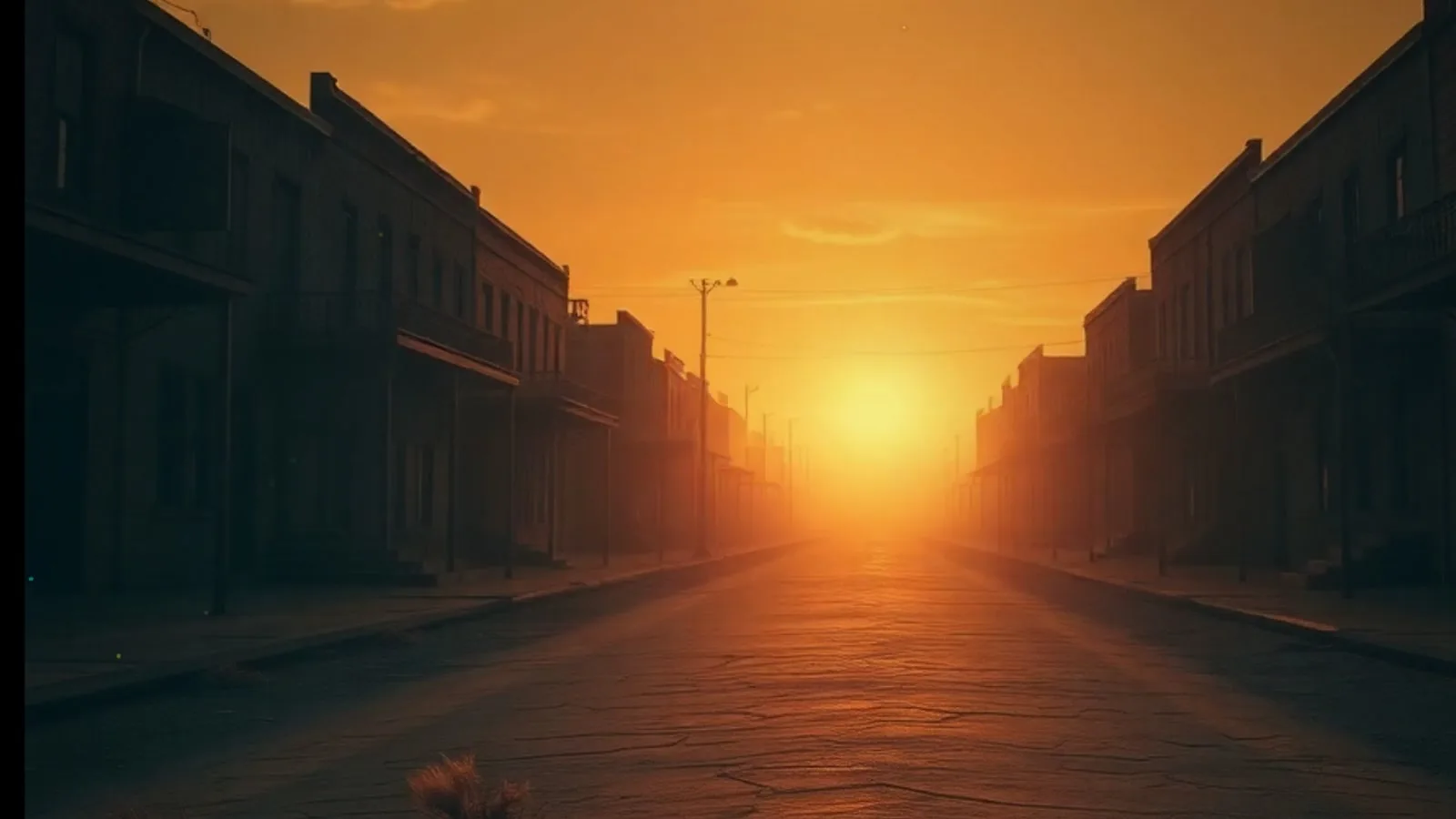
- Music video typeScenes
 01
01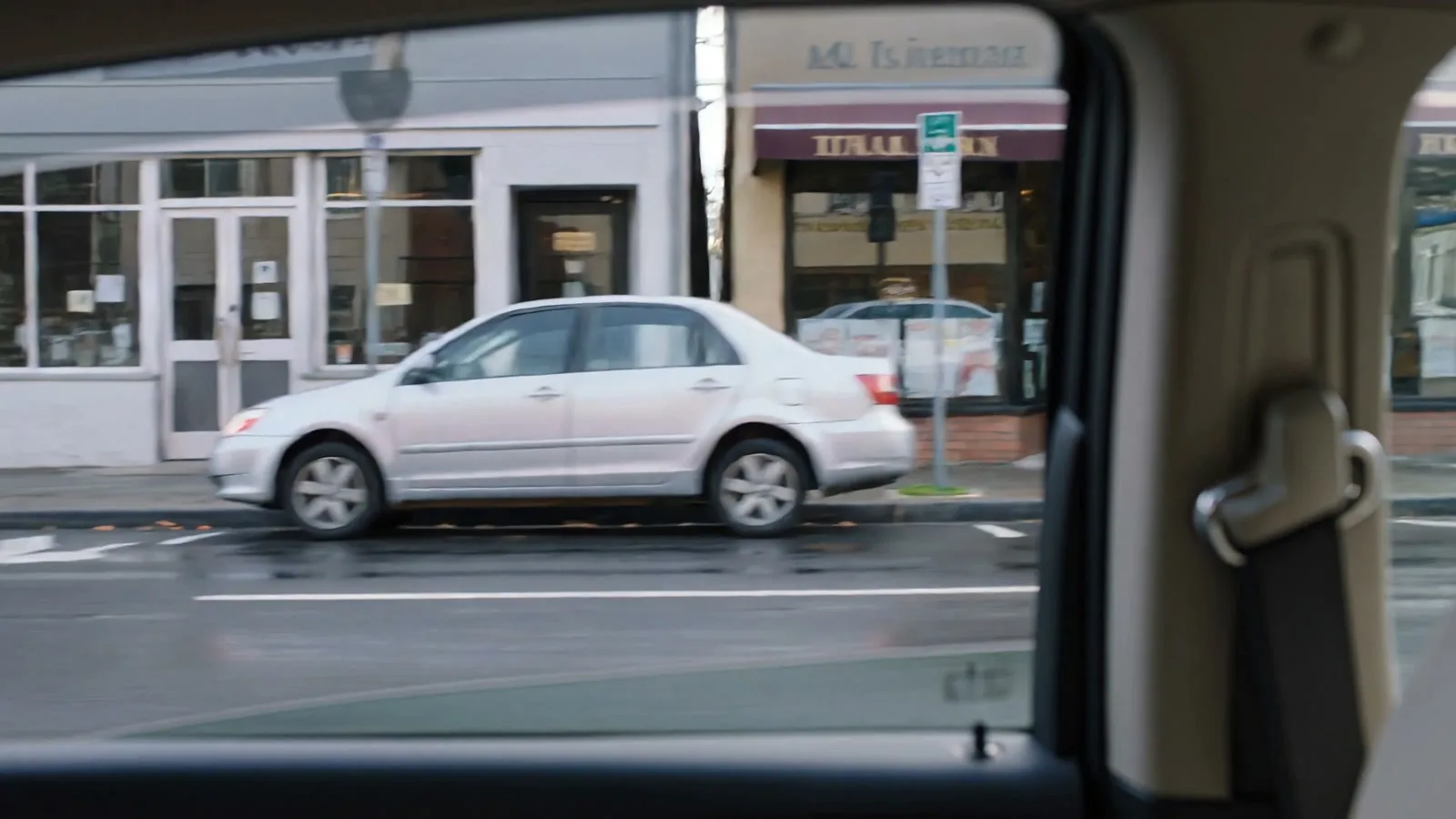 02
02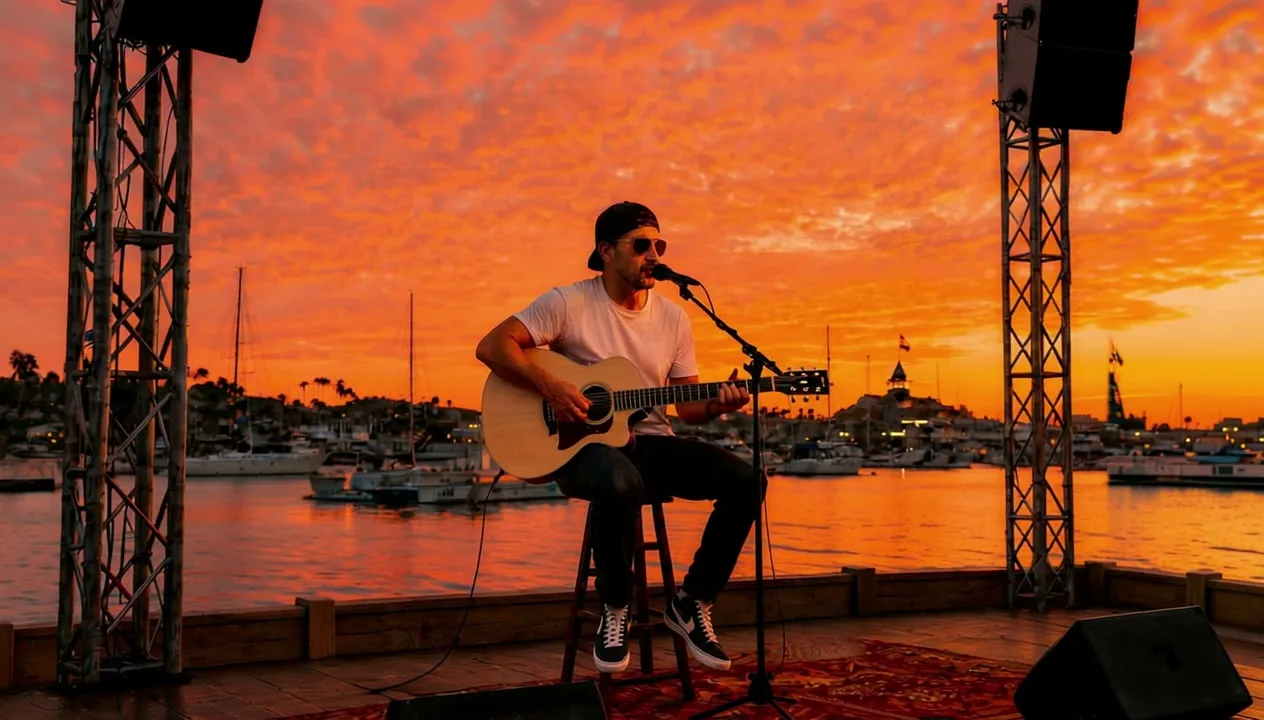 03
03 044 scenes readyLyricsReadyAspect ratio
Choose an AI music video style
Select AI Singer, lyric, slideshow, or vinyl. Upload or generate the performer image, cover art, background, or photos you need, then choose the aspect ratio and available settings.
- Scene sequence0:07 / 0:18
Preview, render, and download
Preview slideshow, lyric, and vinyl videos and revise their visual inputs or settings before the final render. AI Singer videos generate directly after setup. Download the completed music video as an MP4 ready to share.
Every tool. One creative flow.
Move between voice, audio editing, effects, and speech tools without leaving your AIMusicGen workspace.
AI Music Video Generator FAQs
Learn how the AI Music Video Generator works, which video styles it supports, how to edit previews, protect your content, export MP4 files, and license your work.
What is an AI Music Video Generator?
An AI Music Video Generator turns a song and visual inputs into a synchronized music video. Aimusicgen combines your audio with timed lyrics, AI-generated or uploaded images, cover art, or a performer image to create a downloadable video without requiring a traditional video-editing timeline.
What can I create with the AI Music Video Generator?
You can currently turn a generated or uploaded song into four video formats: an AI Singer performance, a lyric video, a photo slideshow, or a vinyl animation. Create full-length music visuals, release promos, and social videos from the same track. More ways to create music videos will be added over time.
How do I create an AI music video?
Choose a completed song from your Aimusicgen library or upload an eligible audio track. Select a video format, add or generate the visuals it needs, provide lyrics when applicable, and choose the orientation. Preview supported formats, render the final video, and download the finished MP4.
Do I need finished audio before generating a music video?
You need a completed song from your Aimusicgen library or an eligible uploaded audio file, but it does not have to be professionally mastered. The selected audio becomes the soundtrack and timing source, so using your final mix helps you avoid creating the video again after the song changes.
Can I upload my own visuals or generate them with AI?
Yes. Upload multiple photos for a slideshow, cover art or a background for lyric and vinyl videos, or a performer image for an AI Singer video. You can also generate visuals with AI where the selected mode supports it. Only upload or reference material you have permission to use.
How does the video follow the music?
Synchronization depends on the format. Lyric videos time words to the track, slideshows can use timed lyrics to guide scene changes, vinyl videos animate cover art through the song, and AI Singer videos use the audio and performer image to create a performance. Clear audio and accurate lyrics improve timing where lyrics are used.
Which aspect ratios are supported?
The AI Music Video Generator supports 16:9 landscape and 9:16 portrait output. Use landscape for YouTube and widescreen playback, or portrait for TikTok, Instagram Reels, YouTube Shorts, and other vertical channels. For AI Singer videos, the output orientation follows the selected crop of the performer image.
Can I edit or regenerate my music video if I do not like the result?
Yes. You can preview and edit your music video before the final render. Adjust or regenerate individual scenes, reorder visuals, refine scene timing, replace images, revise visual prompts, edit lyrics or subtitles, and change the aspect ratio. If you want a different creative direction, you can also regenerate the video or start a new version from the same song. Available editing controls vary by video format.
What video format do I get?
Finished music videos are delivered as MP4 files, a widely supported format for YouTube, TikTok, Instagram, social publishing, video players, and editing software.
How long can my music video be?
Music video rendering supports eligible audio up to 10 minutes long. Some modes, providers, or uploaded source files may have shorter limits, so check the requirements shown in the creator before generating.
Can I use the AI Music Video Generator for free?
You can access the creator for free, while image generation and final video generation or rendering use credits. If your available free-credit balance covers an action, you can try it without purchasing additional credits. The required credits are shown before you generate and may vary by video type, duration, resolution, and visual assets.
Are my music videos and uploaded images private?
Your music video projects and history are linked to your account and are not published to a public gallery by default. Uploaded audio and images, along with generated assets, are processed and stored to create and deliver your results and may be handled by service providers as described in our Privacy Policy. Aimusicgen does not sell your personal information. Only upload content you are comfortable processing online and keep your account and shared links secure.
Can I monetize AI-generated music videos?
Yes, when the video and its underlying generated content are eligible and covered by the applicable Aimusicgen Commercial License Agreement. You may use the licensed video in any lawful commercial or monetized project and publish or distribute it through any platform, including Spotify, Apple Music, YouTube, TikTok, Instagram, advertising, films, games, podcasts, live streams, and client work. Aimusicgen does not require additional approval or take a share of your revenue. You remain responsible for the rights to any music, lyrics, images, voices, or other source material you provide and for following each platform’s rules.