
From reference music to a clear prompt.

Explore music descriptions with style, instrument and mood tags. The demo shows the output; analysis of your own audio is coming soon.Explore sample music descriptions and style tags. Analysis of your own audio is coming soon.

Styles, instruments and mood at a glance
MUSIC TAGS

Styles, instruments and mood at a glance

The result groups musical traits into Styles, Instruments and Tags. Separate labels make the reference's genre, sound palette and mood easy to scan.

Explore Music to PromptStyles · Instruments · TagsStructured musical detail
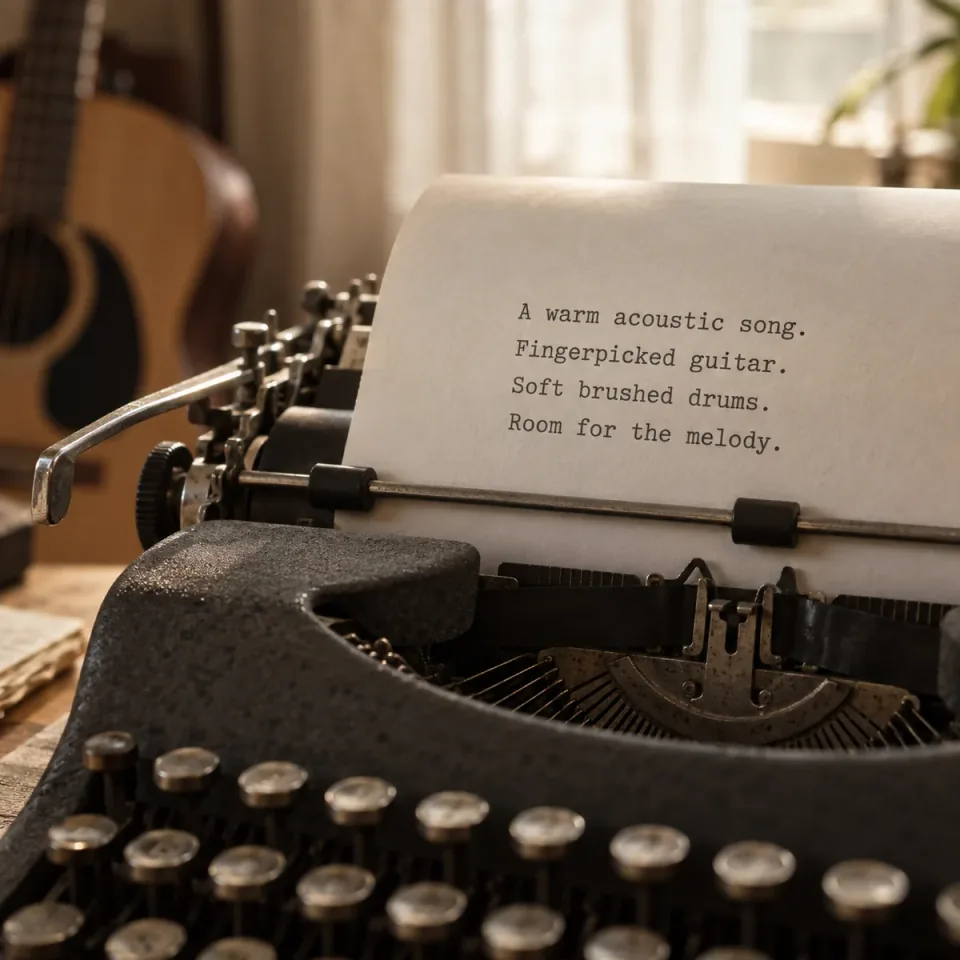
Music prompts that describe the sound
DETAILED MUSIC PROMPTS

Music prompts that describe the sound

The description brings rhythm, instrumentation and arrangement into a connected musical brief. Use it as a starting point for an AI music prompt or production notes.

Explore Music to PromptRhythm, sound and arrangementA detailed music prompt
Prompt and tags, ready to copy
COPY & REUSE

Prompt and tags, ready to copy

Copy the music description on its own or include the full set of tags. Adapt the text to your next track, creative brief or music generator.

Explore Music to PromptDescription or full resultReady to reuse
HOW IT WORKS

How to explore Music to Prompt

Prepare a reference and practice describing the sound you want.

Explore Music to Prompt
  1. Choose reference audio

    Upload a supported file or select a completed song, then listen in the source player.

  2. Explore the sample prompt

    Open Example to see how mood, instruments and arrangement form a brief.

  3. Make the wording yours

    Edit and copy the sample. Automatic analysis of your reference is coming soon.

Music Tool

More Ways to Work on Your Song

Create a song, shape its sound, separate vocals, or turn it into a music video. Find the right tool for your next step.

AI Music Extender

Add a verse, bridge, or outro from a point you choose.

AI Music Editor

Replace a song section with new lyrics or musical direction.

AI Song Cover Generator

Reimagine an existing song in a new genre or arrangement.

Send the Song

Share a song with a personal message and a dedicated page.

AI Music Generator

Create an original song from your lyrics and musical ideas.

AI Voice Changer

Explore a different vocal sound for your recording.

Music to Prompt FAQ

How to use a musical description, choose references and understand the limits.

What information does a music prompt include?

A useful prompt describes the sound you want: style, prominent instruments, mood and the feel of the arrangement. This page demonstrates a prose description with separate Styles, Instruments and Tags. It is a creative brief, not a note-by-note transcription.

Can I use the text with Suno, Udio or another music generator?

You can copy and adapt the wording as a starting brief for a generator that accepts text. Follow that tool's current prompt format and length limits, and keep only the details relevant to your idea. This page does not send prompts directly to those services or guarantee matching results.

Can it recover the original prompt or recreate the exact song?

No. A recording does not reveal the private prompt that may have produced it, and a description does not encode an exact melody or performance. Use the musical qualities as a direction for a new piece, rather than expecting a duplicate of the reference.

What makes a useful reference clip?

Choose a passage where the instruments, rhythm and mood you care about are easy to hear. Avoid long silence or unrelated speech, and focus on the section that represents your idea. The current file picker accepts MP3, WAV, FLAC, OGG, M4A and AAC up to 100 MB.

Does it give me exact BPM, key or chord information?

There are no dedicated measured BPM, key or chord outputs in this workspace. A musical description may discuss the feel of a passage, but it should not be treated as a verified measurement. Check precise musical values separately if your project depends on them.

Can it transcribe lyrics or create sheet music?

No. Music to Prompt focuses on describing a recording's musical character. Lyrics transcription and sheet music require different workflows; the description and tags are not substitutes for either.

Can I choose the language of the description?

There is no output-language selector. The example and simulated result use English descriptions and tags. Choose Edit prompt to rewrite the sample in your preferred language, then copy your version.

Will selecting my own audio generate a new analysis now?

Not yet. You can preview your source, edit the written example or run a demo using Open Every Window. The demo shows an existing result, does not analyze your selected audio and uses no credits. Automatic analysis of your own files is coming soon.

Put the sound into words.

A starting point for your next musical idea.

Explore Music to Prompt