From MIDI to sheet music.

Convert recorded MIDI notes, solo performances and multitrack files into PDF sheet music and MusicXML.Convert MIDI into printable PDF and editable MusicXML.

Built for recorded MIDI performances
MIDI NOTE DATA

Built for recorded MIDI performances

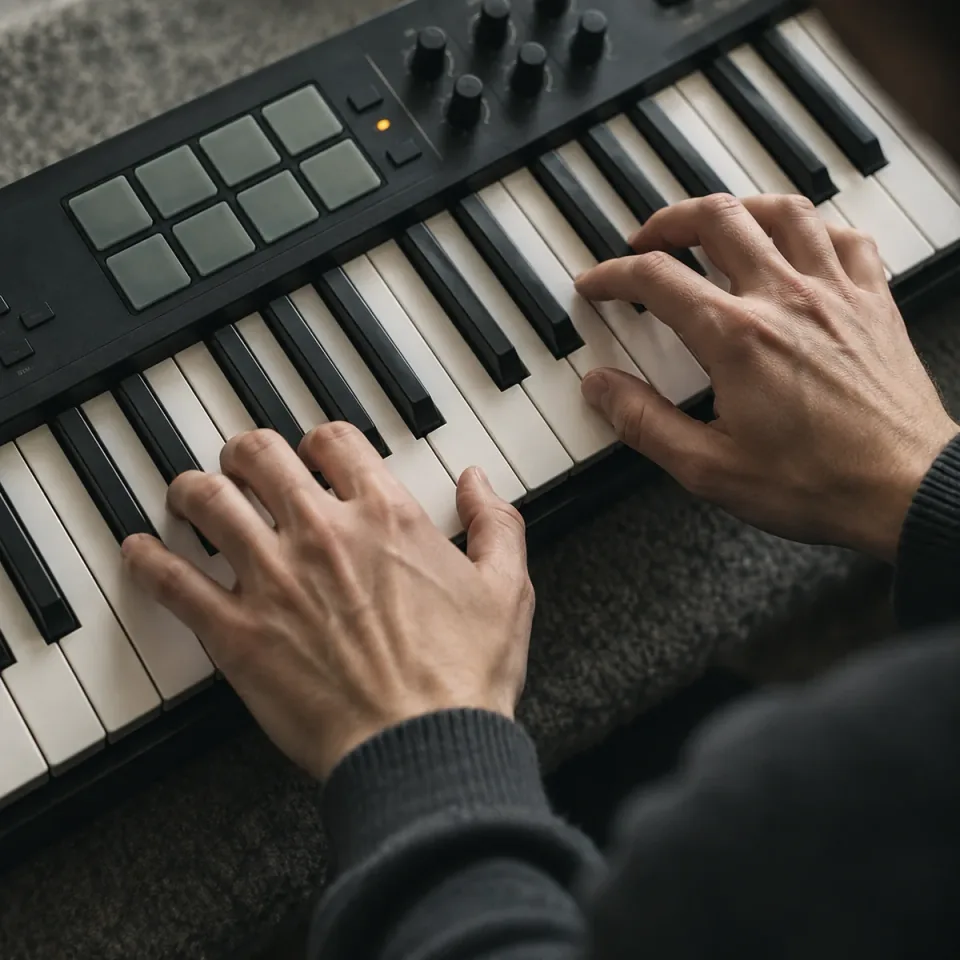
Use the pitches and note timing already captured by your keyboard or music software. Standard .mid and .midi support brings your existing performances into the notation workflow.

Explore MIDI to Sheet MusicPitch + note timingStandard MIDI

Single melodies or full MIDI arrangements
MULTITRACK SUPPORT

Single melodies or full MIDI arrangements

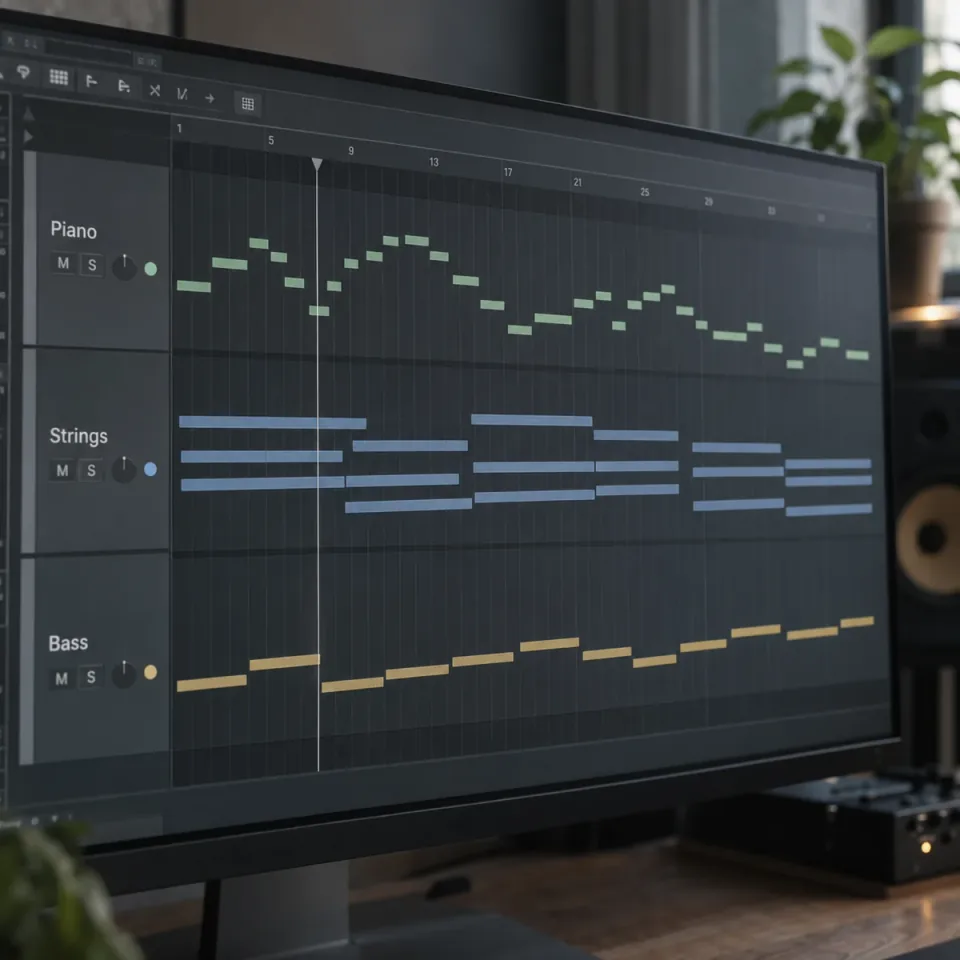
The workspace accepts both single-track and multitrack MIDI files. It identifies tracks containing notes, so you can confirm your export includes musical content before conversion.

Explore MIDI to Sheet MusicSolo performancesMultitrack MIDI
Sheet music with synchronized piano playback
SYNCHRONIZED PLAYBACK

Sheet music with synchronized piano playback

The sample player follows the score and piano together as the music plays. Score, piano and split views connect written notes with their keyboard positions.

Explore MIDI to Sheet MusicSample score3 playback views
HOW IT WORKS

How to explore MIDI to sheet music

Inspect your source and review the notation example in three steps.

Explore MIDI to Sheet Music
  1. Choose a MIDI file

    Drop a .mid or .midi file up to 100 MB into the workspace.

  2. Inspect the tracks

    Check the selected file and the number of tracks with notes below the upload area.

  3. Convert and download

    Click Convert to Sheet Music. Each task costs 4 credits; failed processing is refunded. Open History to download the PDF and MusicXML.

Explore More Tools

More Ways to Work on Your Song

Create a song, shape its sound, separate vocals, or turn it into a music video. Find the right tool for your next step.

Audio to MIDI

Turn songs into editable MIDI notes.

Audio to Sheet Music

Explore turning a recording into readable musical notation.

AI Vocal Remover

Separate vocals and accompaniment for practice or remixing.

Audio Editor

Trim, process, and export your audio in the browser.

Audio Mixer

Organize audio tracks and check their individual playback levels.

AI Music Extender

Add a verse, bridge, or outro from a point you choose.

MIDI to Sheet Music FAQ

File preparation, notation quality and what to expect from your score.

Can I use an MP3 or WAV file instead of MIDI?

No. This page accepts .mid and .midi files, which already contain note information. MP3 and WAV contain recorded sound and need audio transcription first. Use Audio to Sheet Music for a recording; changing its extension to .mid will not convert it.

Can I use MIDI from a keyboard or a DAW?

Yes, if it is exported as a Standard MIDI file containing notes. Export the performance or MIDI tracks rather than an audio mixdown or project file. The current browser check accepts .mid and .midi files up to 100 MB.

Why can MIDI notation contain awkward rests or too many tied notes?

MIDI records performance timing, which does not always fall neatly on a notation grid. Small timing differences and overlapping notes can make a score harder to read. Review note lengths, tempo and quantization in your source editor, then check the notation before using it for practice.

What happens if my MIDI contains multiple instruments?

Single-track and multitrack MIDI files are accepted. Check the generated notation and edit the MusicXML if the instrument parts or staff layout need adjustment.

Will I be able to print or edit the sheet music?

Yes. Download the generated PDF for printing and MusicXML for further notation editing in compatible software.

Will it automatically make a playable piano arrangement or guitar TAB?

Do not assume that from a MIDI file alone. Turning several parts into a playable piano arrangement, or choosing guitar strings and fingerings, requires additional decisions. This workspace does not currently offer arrangement, fingering or tablature controls.

Why is my MIDI file rejected or shown as having no notes?

The file may be empty, damaged, over 100 MB or not a valid Standard MIDI file. It may also contain only tempo or control events with no notes. Re-export the note-containing tracks as .mid or .midi from the original music software and try again.

Is the score on screen created from the file I selected?

Example shows a fixed sample. After converting your selected MIDI, its PDF and MusicXML appear separately in History.

Look inside your MIDI.

Discover the tracks behind the notes.

Explore MIDI to Sheet Music