AI Music Editor: Shape the Song You Have in Mind

Change song lyrics, replace a verse or chorus, and hear your edits in the music. Refine a selected section or reuse your lyrics and style for a fresh take.Rewrite lyrics or replace a verse or chorus, then preview your changes.

Change the lyrics. Hear them sung.
Edit song lyrics

Change the lyrics. Hear them sung.

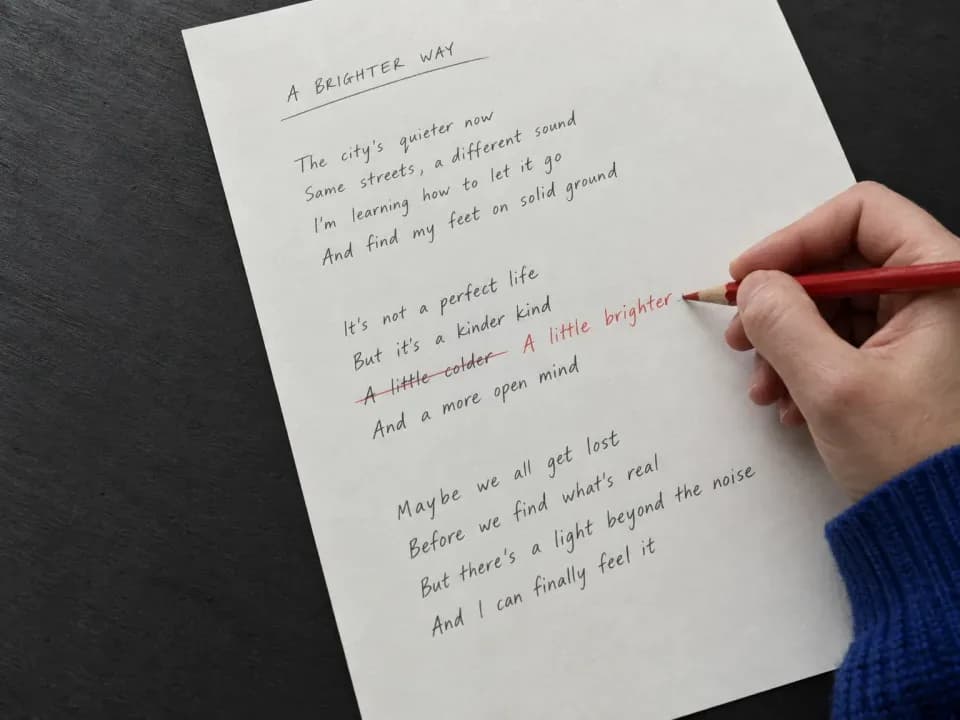
Give a verse a new meaning or rewrite a line that feels rushed. Select the passage and add replacement lyrics. The AI music editor regenerates that part as audio, so you can hear your new words performed in the song.

Try AI Music EditorOriginal lyricRevised performance
Give a verse or chorus a new direction
Replace a song section

Give a verse or chorus a new direction

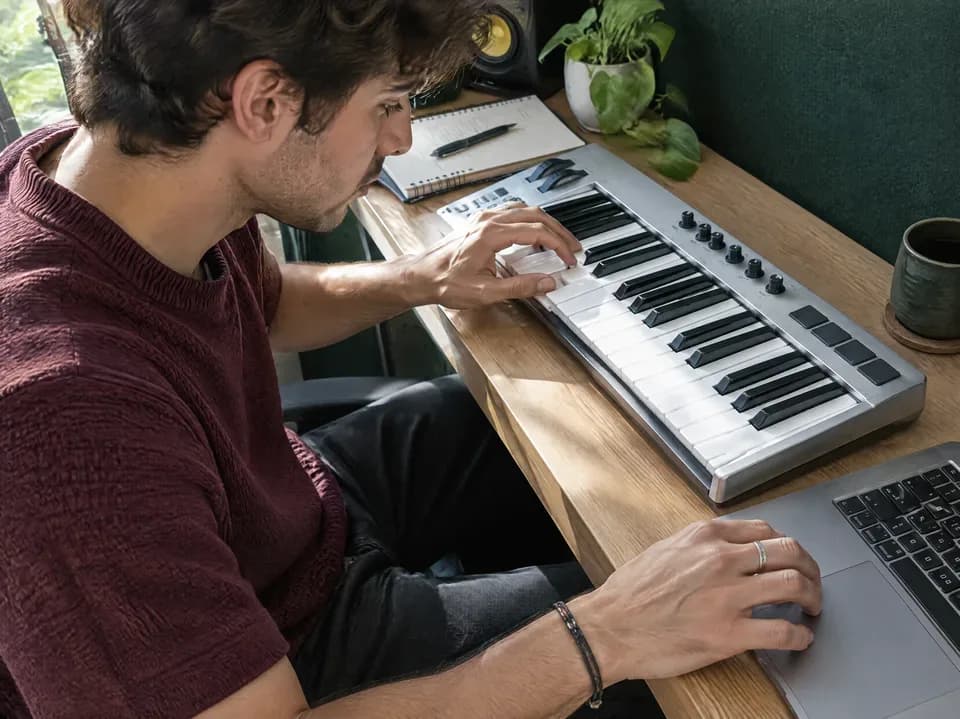
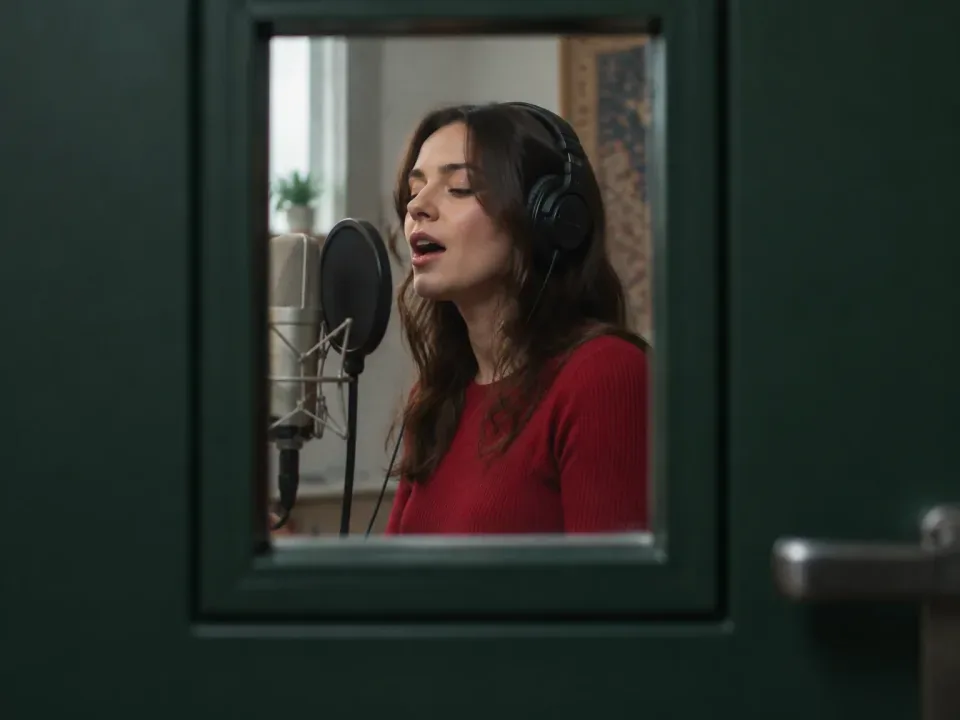
One section can change the feel of a song. Replace a selected passage with new lyrics and a different musical direction: a softer verse, a stronger chorus, or a more restrained transition. Focus the edit on the part you want to improve.

Try AI Music EditorSelected passageNew section
Try a new edit. Keep the original.
Compare your versions

Try a new edit. Keep the original.

Explore another lyric or musical phrase without overwriting your source song. Each edit becomes a separate version, ready to compare with the original. Hear the revised section in context and choose the take that expresses your idea best.

Try AI Music EditorOriginal recordingEdited version
Rework your lyrics into a fresh take
Rework the whole idea

Rework your lyrics into a fresh take

Have a bigger change in mind? Reuse a completed song's lyrics and style, revise the words or musical direction, and generate a new full song. Build on the writing you already have while exploring a different performance.

Try AI Music EditorLyrics and styleNew song version
How to edit music

How to Replace a Section of a Song

Start in Edit Music, or use Edit → Replace Section on a song in Create. Both entry points lead to the same section-editing workflow.

Back to this workspace
  1. Select the section to replace

    Select an eligible completed song from My Songs on this page. Alternatively, choose Edit → Replace Section on a song in Create. In the editor, select lyric lines, then preview and adjust the waveform range; set times manually when timed lyrics are unavailable.

  2. Rewrite the selected lyrics

    Edit Replacement lyrics for the selected passage. The editor merges them into the song; use Review full lyrics to check the complete text, especially across sections. Adjust style and song title in Advanced options if needed.

  3. Replace and compare versions

    Review credits and select Replace section. Compare Original and Edited with 3s before & after to check both joins. Find results in this page's History, or in Songs when working in Create.

Explore More Tools

More Ways to Work on Your Song

Create a song, shape its sound, separate vocals, or turn it into a music video. Find the right tool for your next step.

AI Music Extender

Add a verse, bridge, or outro from a point you choose.

AI Song Cover Generator

Reimagine an existing song in a new genre or arrangement.

AI Mastering

Explore the finishing stage for a balanced, polished track.

Music to Prompt

Explore a music prompt example and prepare reference audio.

Send the Song

Share a song with a personal message and a dedicated page.

AI Music Generator

Create an original song from your lyrics and musical ideas.

AI Music Video Generator

Turn your song into a music video with AI visuals.

AI Music Editor FAQ

Answers about changing sung lyrics, preserving the original, selecting a section, and reviewing AI song edits.

How can I change the lyrics in an existing song?

Choose an eligible completed song from My Songs in Edit Music, or select Edit → Replace Section in Create. Select the lyric lines and time range, enter replacement lyrics, and review the full text before generating. The selected passage is regenerated as audio; changing text alone does not change the recorded singing.

Can I change a few words while keeping the exact melody and voice?

Replace Section targets a selected passage, but that passage is generated again. It does not lock every note, vocal inflection, or instrument sound. You can aim to keep the musical direction by retaining the surrounding style and changing only the necessary words. Compare the result with the original, especially at both ends of the selection.

How long can the section I replace be?

A replacement must be at least 10 seconds and no longer than 60 seconds. It also cannot exceed half of the source song. For a 90-second song, the maximum is 45 seconds; a source shorter than 20 seconds cannot fit a valid selection. Even a one-word correction needs a valid time range around it.

Do I need to rewrite the entire song's lyrics for a section edit?

Usually, you only need to write the replacement passage. When lyric lines are selected, the editor merges the replacement into the full lyrics and lets you expand them for review. If the lyrics cannot be matched to the selection, check or enter the full revised lyrics manually. Keep unchanged verses and choruses in their original order.

Why is Replace Section unavailable for my song?

Replace Section needs a completed song with a known duration and a supported source. Not every model or audio asset supports this action, and short songs may not allow a valid replacement range. Start with a song that offers Edit → Replace Section, then check the editor's selection limits before writing the replacement.

Will AI music editing delete my original song?

No. Replace Section creates a separate result linked to the source song; it does not overwrite the original recording. Keep the original for comparison and listen to the completed edit before deciding which version to use. The selected passage is regenerated, so review the sound as well as the updated lyrics.

How can I avoid an obvious transition around the edited section?

Preview the selection and place its boundaries between complete phrases where possible. Use a style description consistent with the nearby music, and fit the replacement lyrics to the selected passage. After generation, listen from before the selection through its end. The editor provides timing and lyric controls, but it does not guarantee an inaudible join.

Does changing lyrics use credits each time?

Generating a replacement section uses the credit amount displayed in the editor. Reviewing lyrics, selecting a time range, and previewing the source let you check the edit before submission. If you generate another version, it is a new request with its own credit charge. Confirm the range, replacement words, and full lyrics before creating.

Edit Music with AI

Replace a section. Keep the rest.

Try AI Music Editor