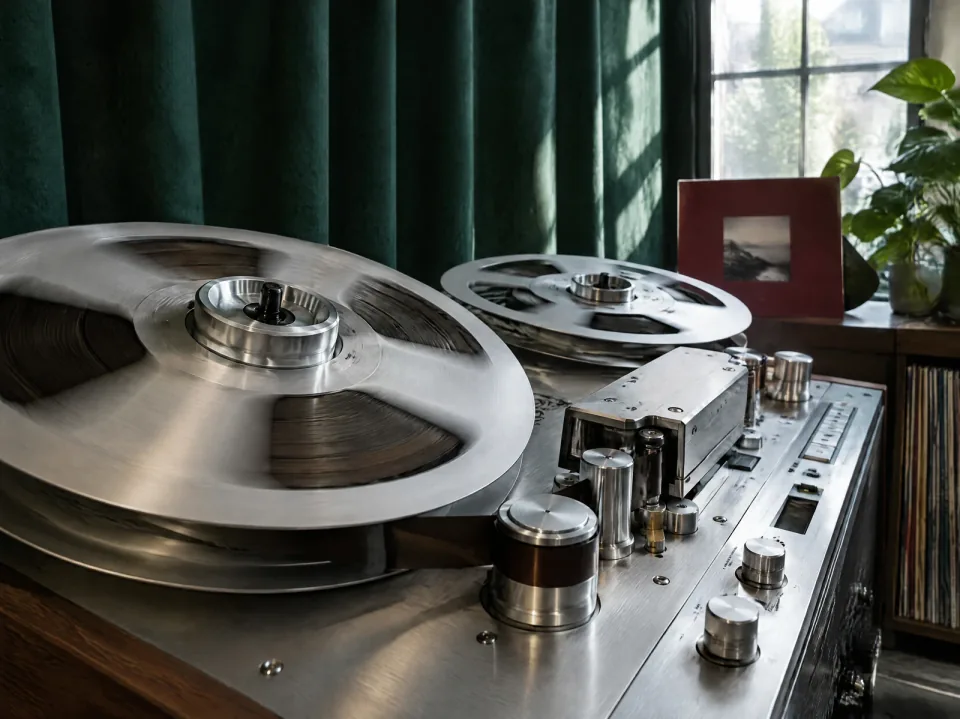
Tonal balance
A more balanced mix
Balanced mastering refines the song’s overall tone for an even, cohesive sound. It brings the finished mix together as a whole.
Try AI MasteringBalancedEven, cohesive soundAI mastering refines your song’s tonal balance, character, and loudness for a more polished final sound.
Balanced mastering refines the song’s overall tone for an even, cohesive sound. It brings the finished mix together as a whole.
Try AI MasteringBalancedEven, cohesive sound
Warm adds a softer, warmer feel. Bright brings a clearer, brighter sound. Two distinct tonal directions give your finished mix a different character.
Try AI MasteringWarm / BrightSoft warmth or clarity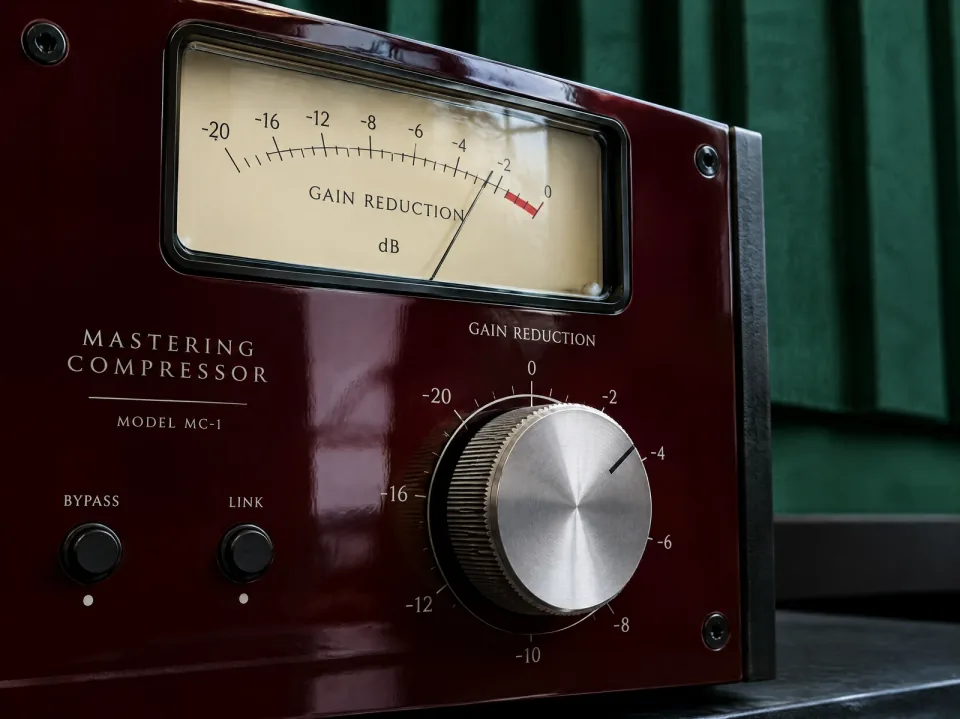
Loud mastering emphasizes loudness and power, giving the finished mix a stronger presence. A more energetic finish for songs that need extra impact.
Try AI MasteringLoudMore power and presencePrepare your mix for the next step.
Back to workspace Amber ReverieJosh Woodward2:54
Select a completed song from My songs or use Upload audio. Preview the original and check for clipping or unwanted noise.
Amber ReverieJosh Woodward2:54Explore Balanced, Warm, Bright, or Loud in the settings. Your selection prepares a style; it does not process the source yet.
Amber ReverieJosh Woodward2:54Open Example to compare the prepared Original and mastering styles. Processing and downloads for your own audio are coming soon.
Create a song, shape its sound, separate vocals, or turn it into a music video. Find the right tool for your next step.
How AI mastering works, what it changes, and how to prepare your mix.
AI mastering uses audio analysis to guide the final processing of a completed mix. It can adjust tone, dynamics, loudness, and stereo balance before the track is shared or released.
The system measures characteristics of the audio and uses them to choose processing settings. Depending on the tool, these may include EQ, compression, limiting, and stereo adjustments. Listening to the result remains essential.
Mixing balances individual instruments and vocals. Mastering works on the finished mix as a whole, refining its overall sound. Changes to an instrument’s level or arrangement are usually better made in the mix.
AI can help automate routine processing and create versions for comparison. An engineer also brings creative judgment, feedback, and decisions tailored to a release. The right approach depends on the mix and the result you want.
Finish the mix, remove unwanted noise, and check for clipping. Export a high-quality stereo file from the original project, preferably lossless, and preserve the full ending and intended fades.
Keep peaks below clipping and avoid pushing the mix louder just for export. Exact input targets vary by tool. Follow its requirements, and review any final limiter that is already heavily reducing the dynamics.
Mastering can address broad tonal or dynamic imbalances, but it cannot reliably repair clipped audio or independently rebalance instruments in a stereo file. Fix distracting problems in the mix first.
This page introduces the upcoming mastering tool. Audio processing and downloads are not available here yet.