AI VOICE CHANGER
Change a song's vocals to a new voice
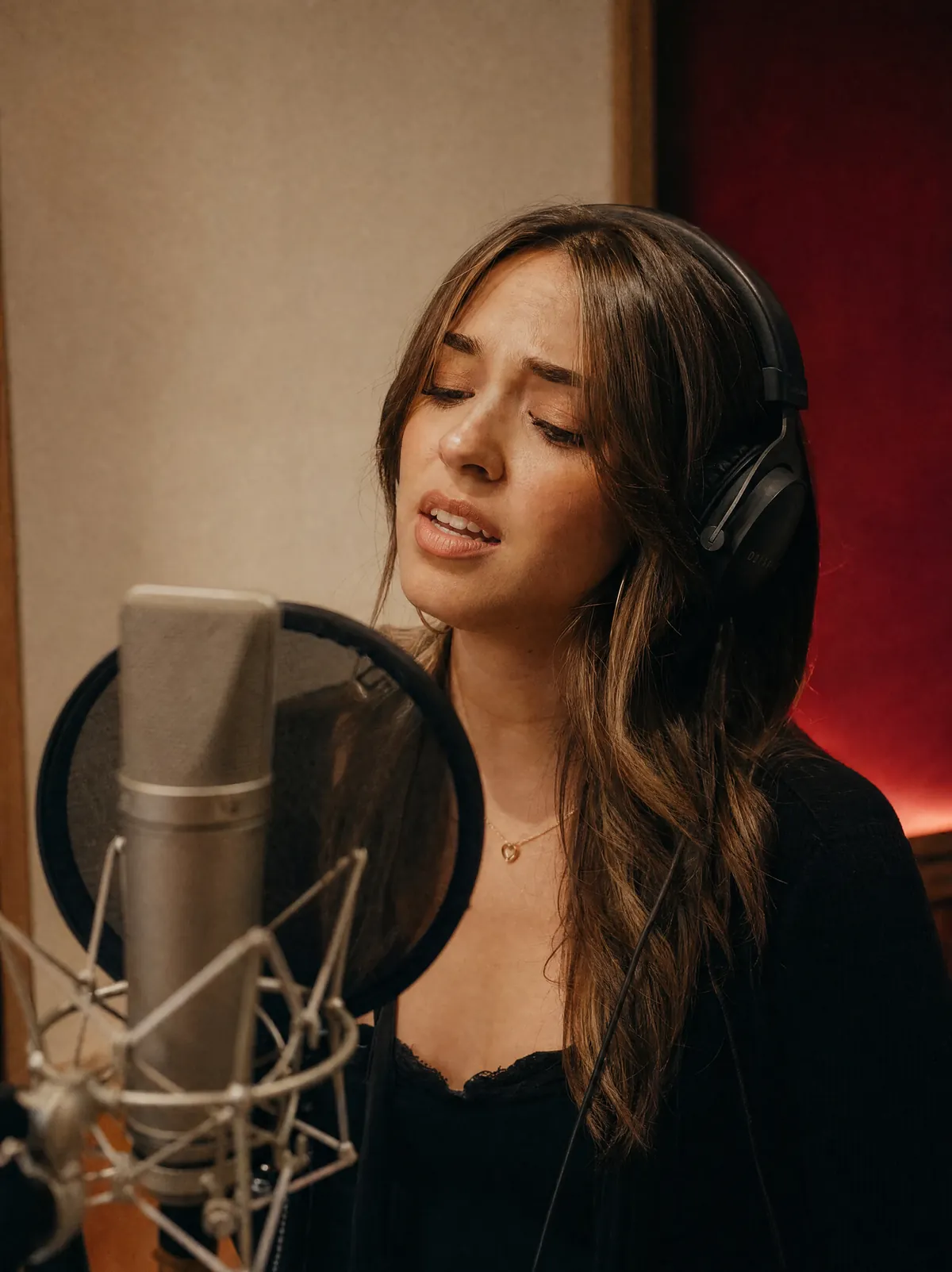
Choose a song from your library or upload a track, then replace its original vocal with the target voice you select.
Try AI Voice ChangerSOURCE TRACKNEW VOICEReplace the original vocal with a ready-to-use or custom AI voice while preserving the song's melody, timing, phrasing, and emotion.
Choose a song from your library or upload a track, then replace its original vocal with the target voice you select.
Try AI Voice ChangerSOURCE TRACKNEW VOICE
Choose a ready-to-use voice or train a custom AI voice from clean recordings for a more personal result.
Try AI Voice ChangerVOICE RECORDINGSCUSTOM VOICE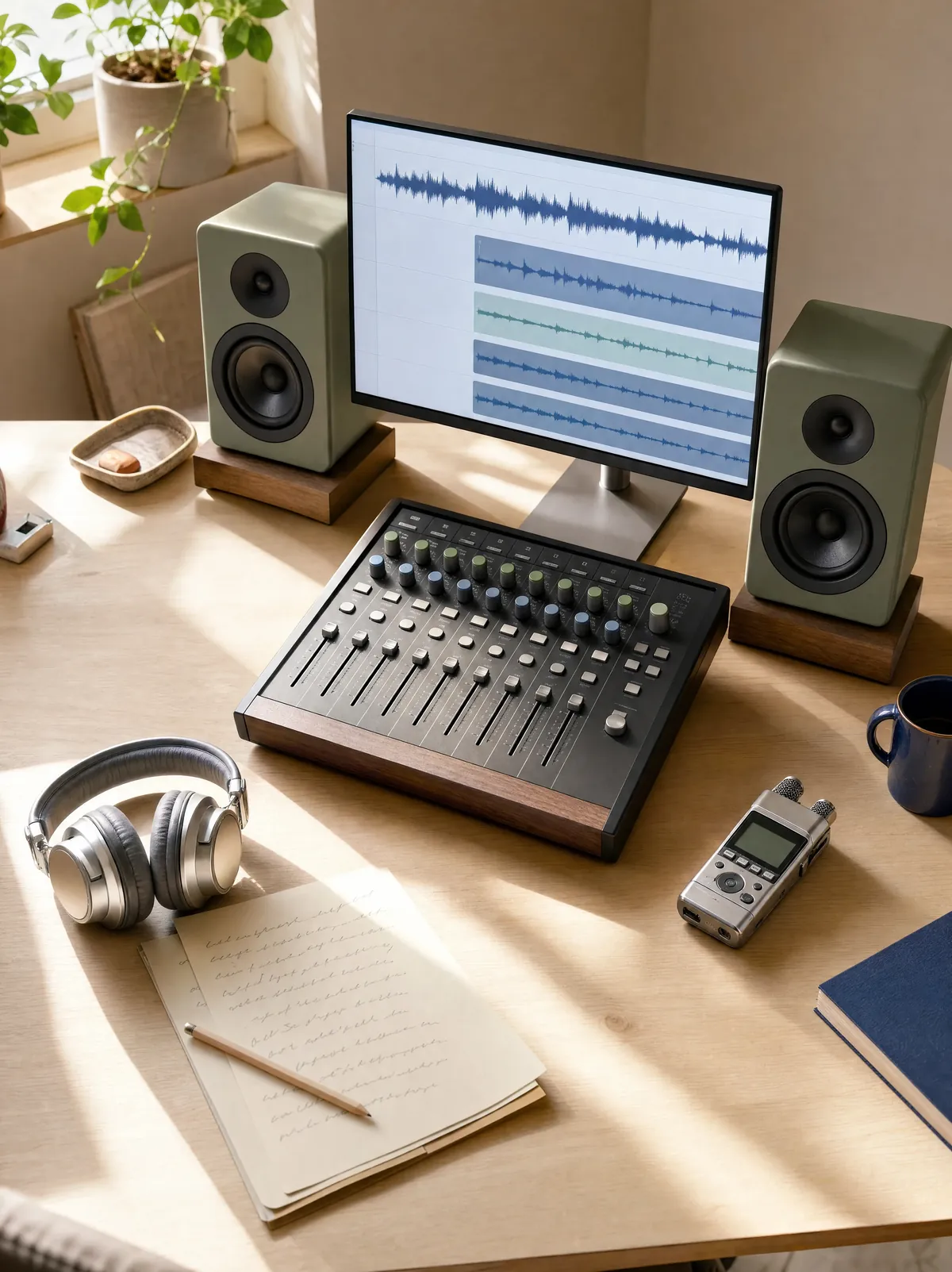
Change the vocal identity without rebuilding the performance, keeping its original phrasing, rhythm, and expression recognizable.
Try AI Voice ChangerORIGINAL PERFORMANCENEW VOCAL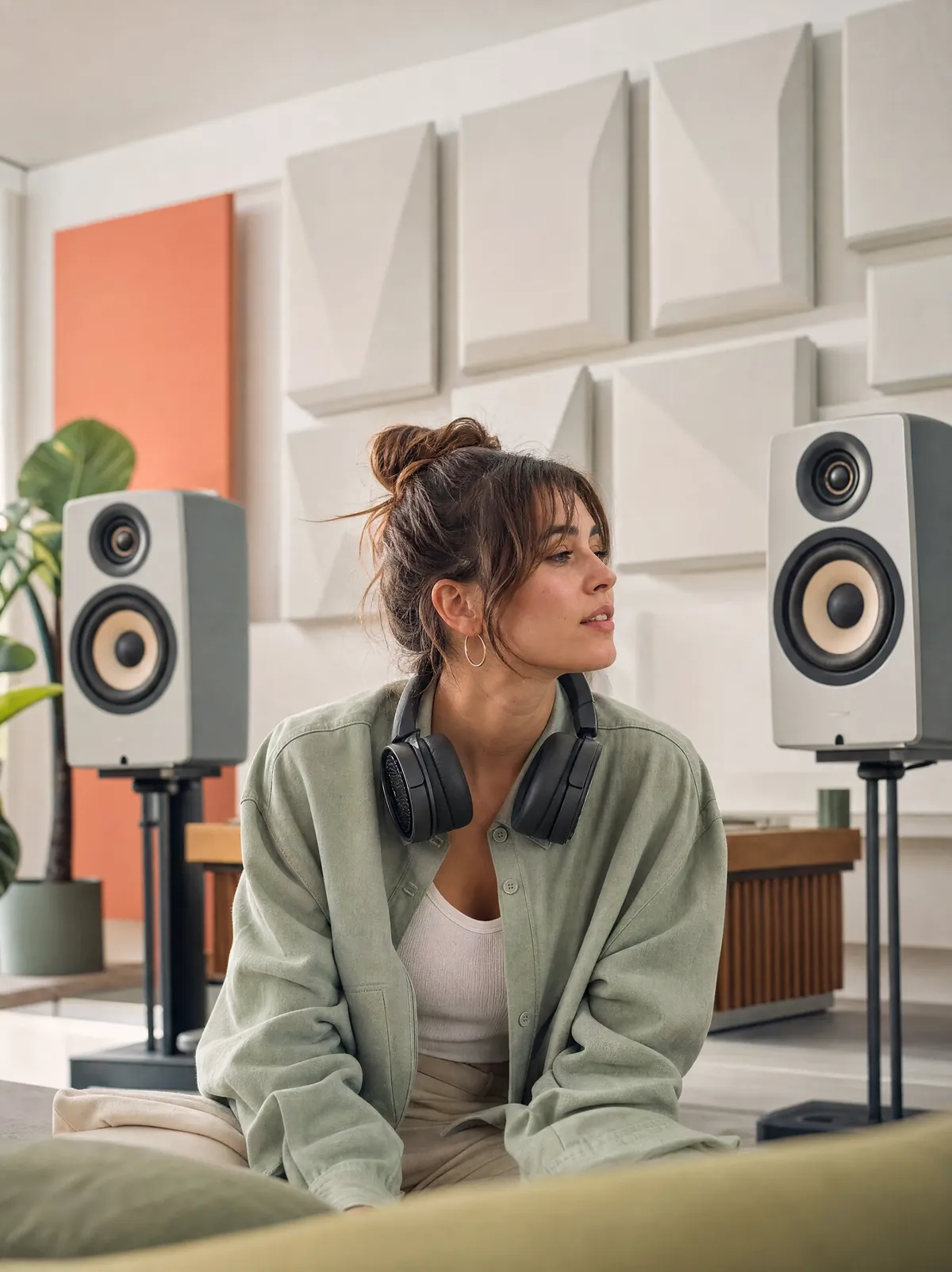
Try different vocal identities on the same song and choose the version that best fits your cover, demo, or creative project.
Try AI Voice ChangerONE SONGMORE VERSIONSChange the vocals in a song in three steps: add a source track, choose a target AI voice, then generate and compare the new version.
Start changing voices Lose ControlLead vocal · 03:30
Upload the song you want to transform or choose an eligible track from your AIMusicGen library.
Select a ready-to-use AI voice, use one of your saved voices, or train a custom voice from clean recordings.
Start the AI voice change, use A/B Compare to hear the original and converted versions, then download the result when ready.
Create a song, shape its sound, separate vocals, or turn it into a music video. Find the right tool for your next step.
Answers about changing song vocals, training custom AI voices, preparing audio, using free credits, privacy, and commercial use.
An AI Voice Changer replaces the vocal identity in a song or recording while keeping the original lyrics, melody, timing, phrasing, and performance structure. You can use it to create AI covers, demos, character vocals, and new versions of the same performance.
Yes. You can choose a ready-to-use AI voice, select one of your saved custom voices, or train a new voice from clean recordings. Once training is complete, your custom voice is saved to your account and can be used for future voice changes.
The AI Voice Changer supports MP3, WAV, M4A, MP4, WebM, FLAC, OGG, and AAC audio. Each uploaded audio file must be no larger than 250 MB.
Upload one or more clean voice clips with a combined duration between 1 and 60 minutes. Each file must be no larger than 250 MB, and all files together must be no larger than 500 MB. Use dry, clear recordings without background music, heavy mixing, strong reverb, or vocal effects. Natural speech and a small amount of clean singing help the model learn the voice more clearly.
Yes. AIMusicGen provides free credits, and you can use them for voice model training or AI voice conversion whenever your available balance covers the required cost. The workspace shows the current credit cost before you start a task.
The AI Voice Changer is designed to preserve the source performance's melody, timing, emphasis, breath, and phrasing while changing its vocal identity. Results can vary depending on the source recording and the target voice.
Voice conversion depends on the source audio, target voice, pronunciation, singing style, pitch range, and recording quality. For a more natural result, use clear audio with minimal noise, reverb, backing instruments, or overlapping voices. Keep the recording level consistent and avoid clipping or long periods of silence in training clips.
Your custom voice models are tied to your account and currently cannot be shared or transferred to another account. Converted results are saved in your Voice Changer history so you can revisit and download them. Uploaded files may be retained as needed to provide these features, so review the current Privacy Policy before uploading sensitive material.
Yes. Once your converted audio is covered by the applicable AIMusicGen Commercial License Agreement, it is yours to use commercially. You may publish, distribute, modify, license, sell, and monetize it on any platform or in any lawful project. You keep all revenue, and AIMusicGen does not require additional approval or revenue sharing.
Do not use AI-converted voices for fraud, identity theft, malicious impersonation, deception, harassment, or any illegal or harmful activity. Only upload and use recordings or voices that you are authorized to use.
Yes. The AI Voice Changer works in modern web browsers on phones, tablets, and computers. You can upload a song, choose or train a voice, generate a new version, and access your history from a supported device.