Sheet Music
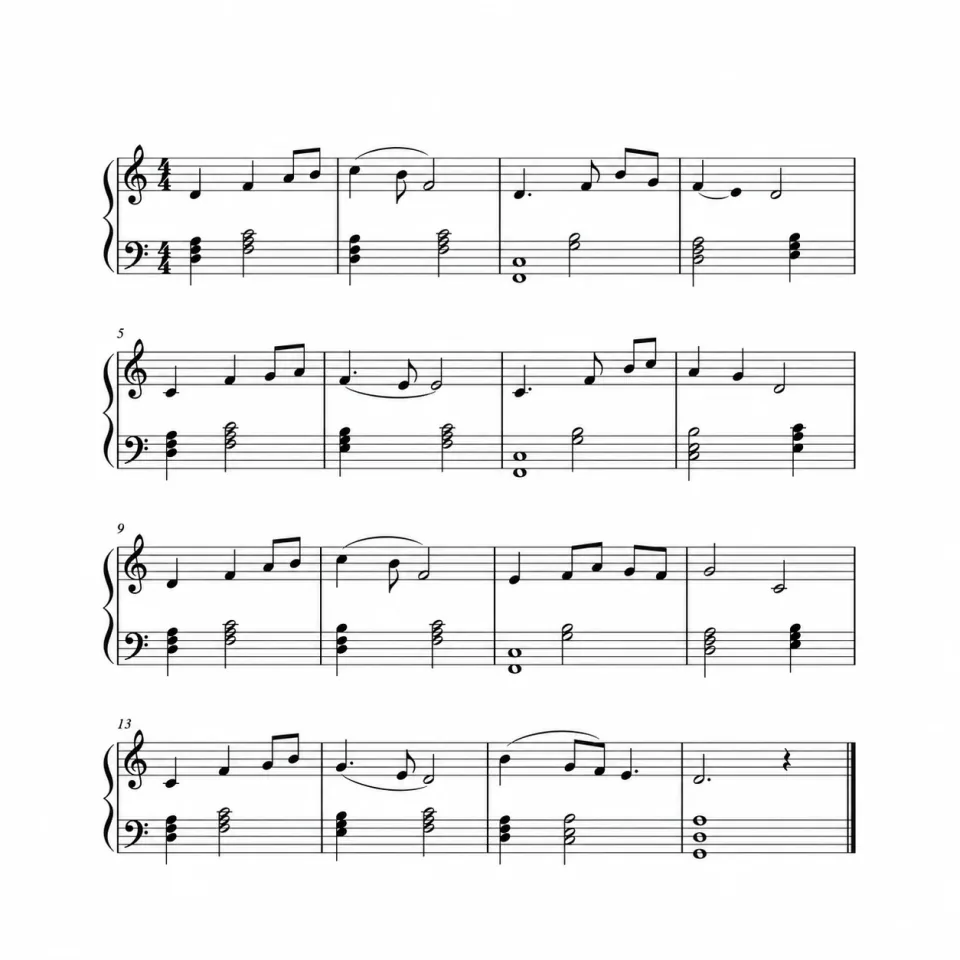
Turn sound into a readable score
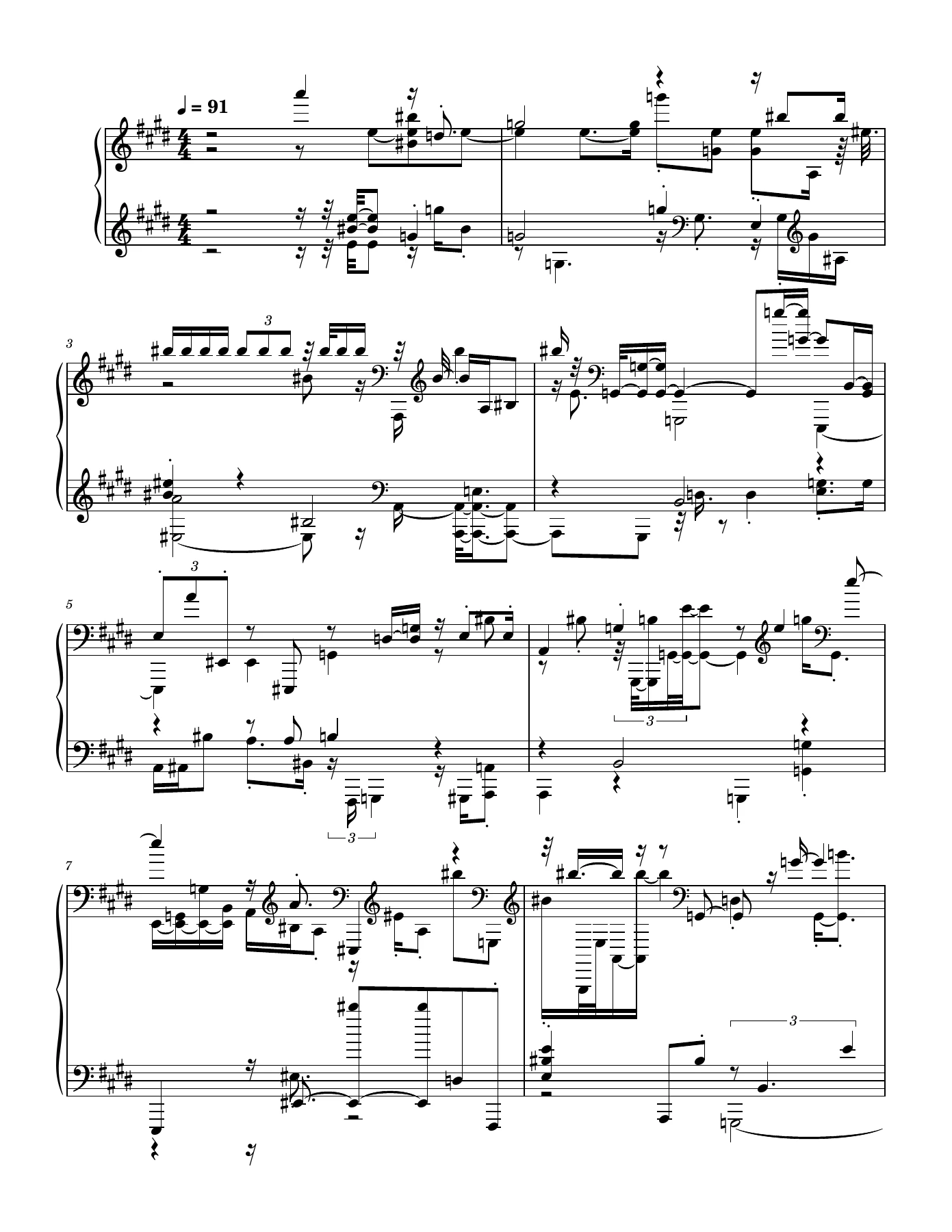
Bring notes and rhythms onto the staff to study a melody, prepare for practice, or preserve an original composition in notation.
Try Audio to Sheet MusicAudio recordingSheet musicExplore the sample score, follow the interactive piano roll, and compare the original audio with score playback. Audio transcription is coming soon.Explore a sample score with interactive piano playback. Audio transcription is coming soon.
Turn sound into a readable score
Bring notes and rhythms onto the staff to study a melody, prepare for practice, or preserve an original composition in notation.
Try Audio to Sheet MusicAudio recordingSheet music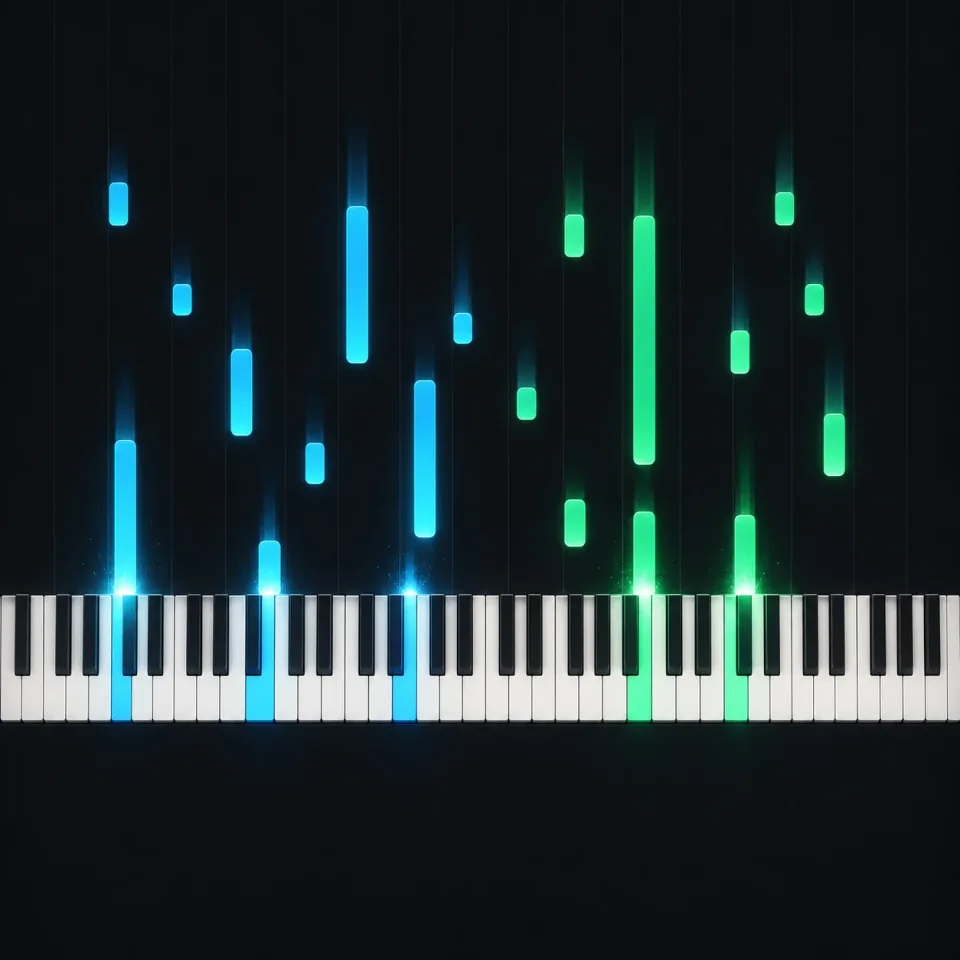
Follow every note on the keyboard
Watch falling notes land on highlighted piano keys as the sample plays. Switch between piano-only and split views, and adjust playback speed to follow pitch, timing, and note length.
Try Audio to Sheet MusicNotes and timingVisual practice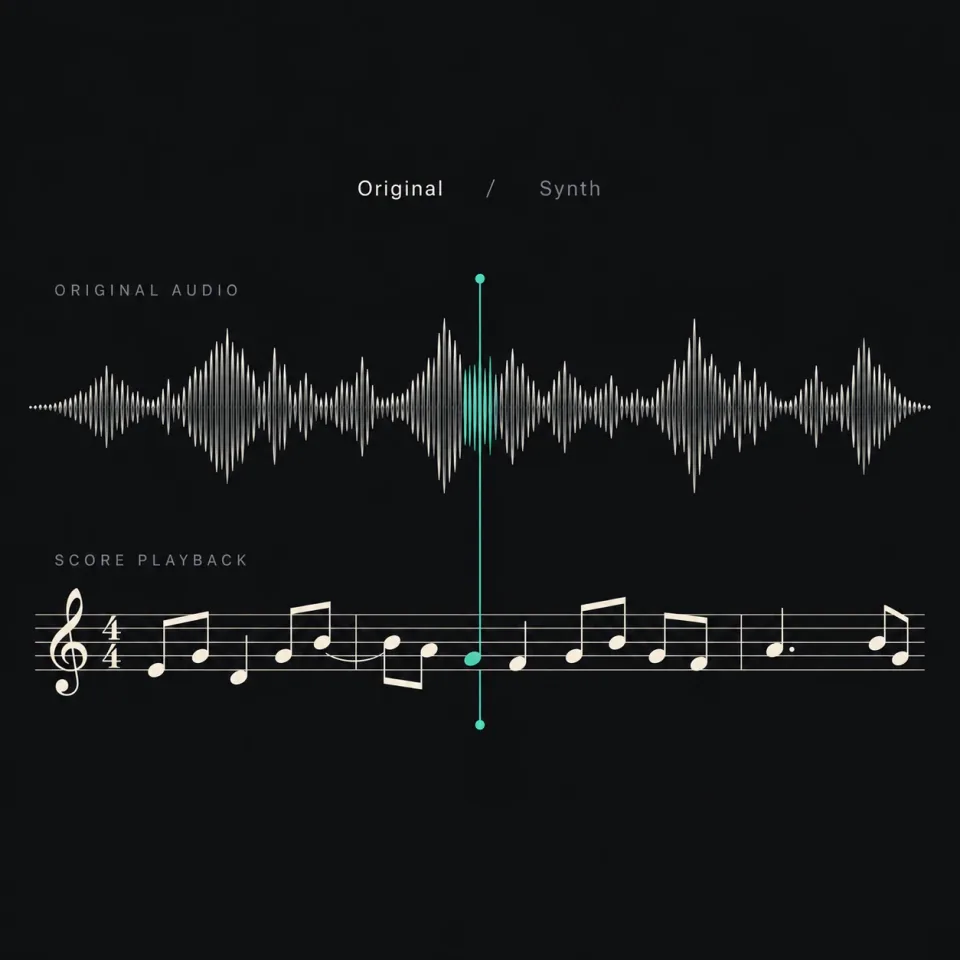
Hear how the score matches the recording
Switch between the original audio and synthesized score playback. Slow down the sample to compare pitches and rhythms more closely.
Try Audio to Sheet MusicOriginal audioScore playbackChoose your audio, explore the sample score, and follow along in the player. Audio transcription is coming soon.
Back to workspaceSelect a completed song from My songs, or add a file with Upload audio. Then click Generate demo score to try the preview without using credits.
Explore the six-page Feels Right score. The current demo uses this fixed sample; your selected audio is not uploaded or transcribed.
Open score & piano to switch between Score, Both, and Piano views. Adjust playback speed, compare original audio with synth sound, or download the sample PDF.
Create a song, shape its sound, separate vocals, or turn it into a music video. Find the right tool for your next step.
What you can try now, what files to use, and how to check, practice, or print the score.
Not yet. Generate demo score always opens the six-page Feels Right sample, even when you select a different song. You can try the score viewer and piano player, but your selected audio is not uploaded or transcribed.
The current demo uses no credits. You can preview and play the sample, then download its PDF after generating a demo result. This is a sample experience, not a free transcription of your own song.
YouTube links are not supported here. Select a completed track from My songs or choose a local MP3, WAV, M4A, FLAC, WEBM, OGG, or AAC file up to 250 MB. Choosing a file currently lets you try the demo flow only.
This demo does not separate instruments. For transcription, start with an isolated piano or melody track where possible: overlapping vocals, drums, and other instruments make individual notes harder to identify. A full-band recording should not be treated as a ready-made piano arrangement.
A phone can be enough to prepare a clear recording. Record one instrument in a quiet room, avoid clipping and added reverb, and keep a steady tempo. Listen back to check that individual notes are easy to hear. The current demo does not analyze recording quality.
In the sample player, switch between Original audio and Score audio, slow down to 0.5× or 0.75×, and compare a few bars at a time. Check for missing notes, extra notes, and notes that start or end too early. You cannot edit notes in this workspace yet.
After Generate demo score finishes, use Download PDF on the result to save and print the Feels Right sample. For editable notation in MuseScore, you would normally use MusicXML. This workspace does not currently offer MusicXML or MIDI export, or a note editor.
Yes. Open score & piano and choose Piano to follow the falling notes and highlighted keys, or Both to see the keyboard and score together. Start at 0.5× speed and use the timeline to replay a passage. The display does not show which fingers to use.