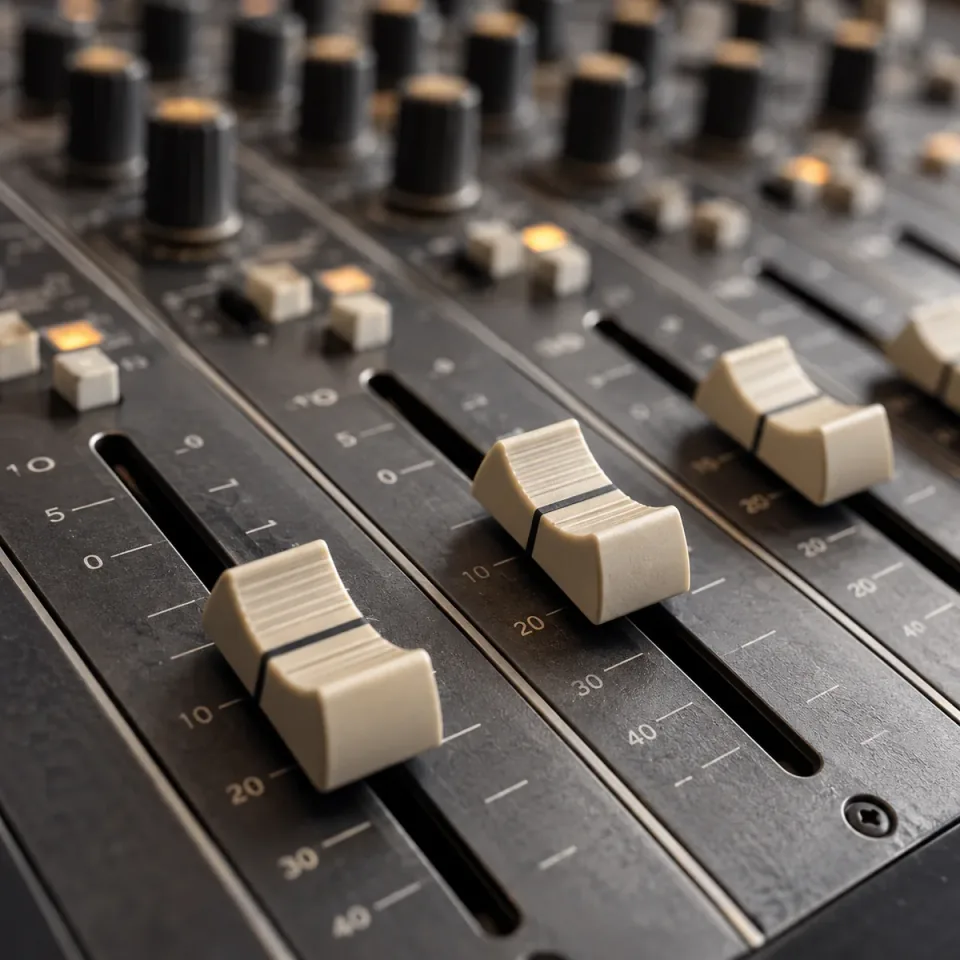
MULTITRACK AUDIO MIXING
Bring your audio layers together
Layer a vocal over an instrumental, or narration over background music. Your tracks play together from the same starting point.
Explore Audio Mixer2–16 audio tracksOne combined mixLayer vocals, music and sound effects with Audio Mixer. Source preview is available now; mixing and MP3 export are coming soon.Preview vocals, music and effects. Mixing and MP3 export are coming soon.
Layer a vocal over an instrumental, or narration over background music. Your tracks play together from the same starting point.
Explore Audio Mixer2–16 audio tracksOne combined mix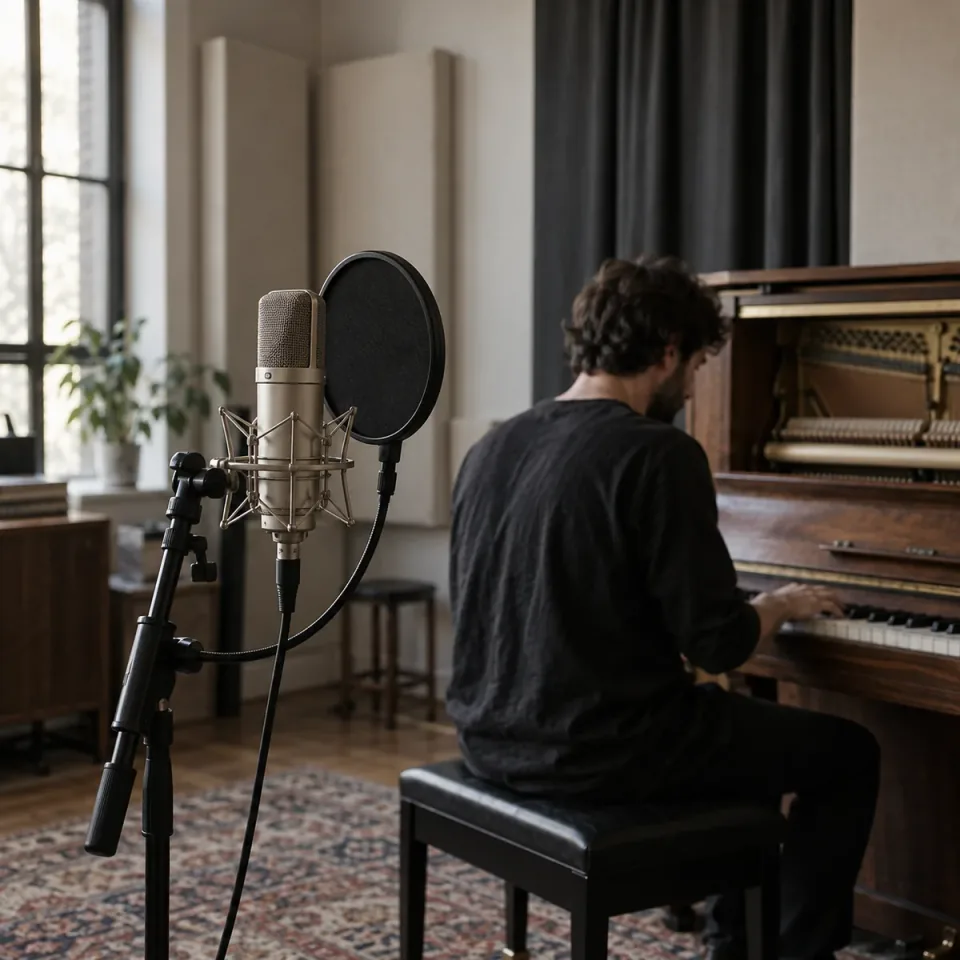
Prepare separate vocal and piano, guitar, or other accompaniment recordings. Add MP3, WAV, FLAC, OGG, M4A, or AAC sources, and check their timing and levels before mixing.
Explore Audio Mixer6 input formats100 MB per file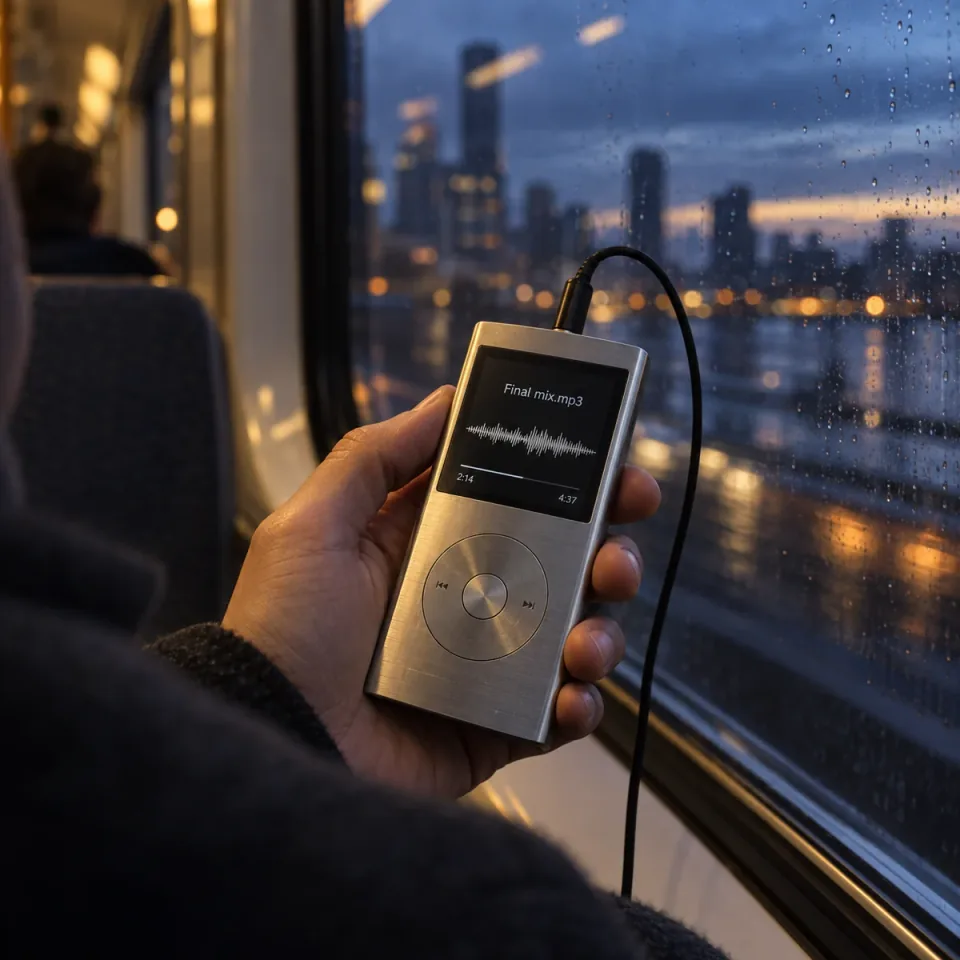
The planned MP3 output brings your layers into one file for playback. It follows the longest recording, with shorter layers falling silent when they end. Mixing and downloads are coming soon.
Explore Audio MixerLongest track durationSingle MP3 outputBuild a clear source list before combining recordings.
Explore Audio MixerSelect or drop up to 16 audio files, with a limit of 100 MB per file.
Preview each track with its player below the upload area. Player volume affects listening only; it does not set the mix output level.
Prepare 2–16 tracks with MP3 as the default output. Synchronized mixing and export are coming soon.
Create a song, shape its sound, separate vocals, or turn it into a music video. Find the right tool for your next step.
What to prepare before combining vocals, music and other audio tracks.
Mixing layers recordings so they play at the same time, such as a voice over background music. Joining places clips one after another. This tool is intended for layered mixing, not for assembling a playlist or joining podcast segments end to end.
That is one of the intended uses. Prepare a separate vocal file and instrumental with matching timing, then add them to the workspace. You can listen to each source now; combined playback and the finished mix are not available yet.
Prepare 2–16 tracks for a mix, with each file no larger than 100 MB. The upload accepts MP3, WAV, FLAC, OGG, M4A and AAC, including different supported formats in the same list. Browser codec support can affect individual playback.
No. The planned mix uses the longest track as its duration. A shorter file contributes silence after it ends; it is not automatically repeated or stretched. Trim a long music bed beforehand if you want the mix to end earlier.
Not in this workspace. There are no start-offset, beat-matching or timeline alignment controls. If a vocal needs to enter later or two recordings are out of sync, prepare their timing in an audio editor before adding them.
There are no per-track mix volume controls or automatic balancing options here. Prepare the relative levels in your source files before mixing. The audio player's volume control only changes what you hear during preview; it does not change a mix setting.
Mix rendering and export are not available yet. The planned output uses MP3 by default. At present, you can add, preview and remove sources, but you cannot download a combined recording.
No. The current list is temporary and clears when the page reloads. Local files are used for browser preview without being uploaded by this workspace. Keep your original recordings so you can add them again.