01
Start and end on the right note
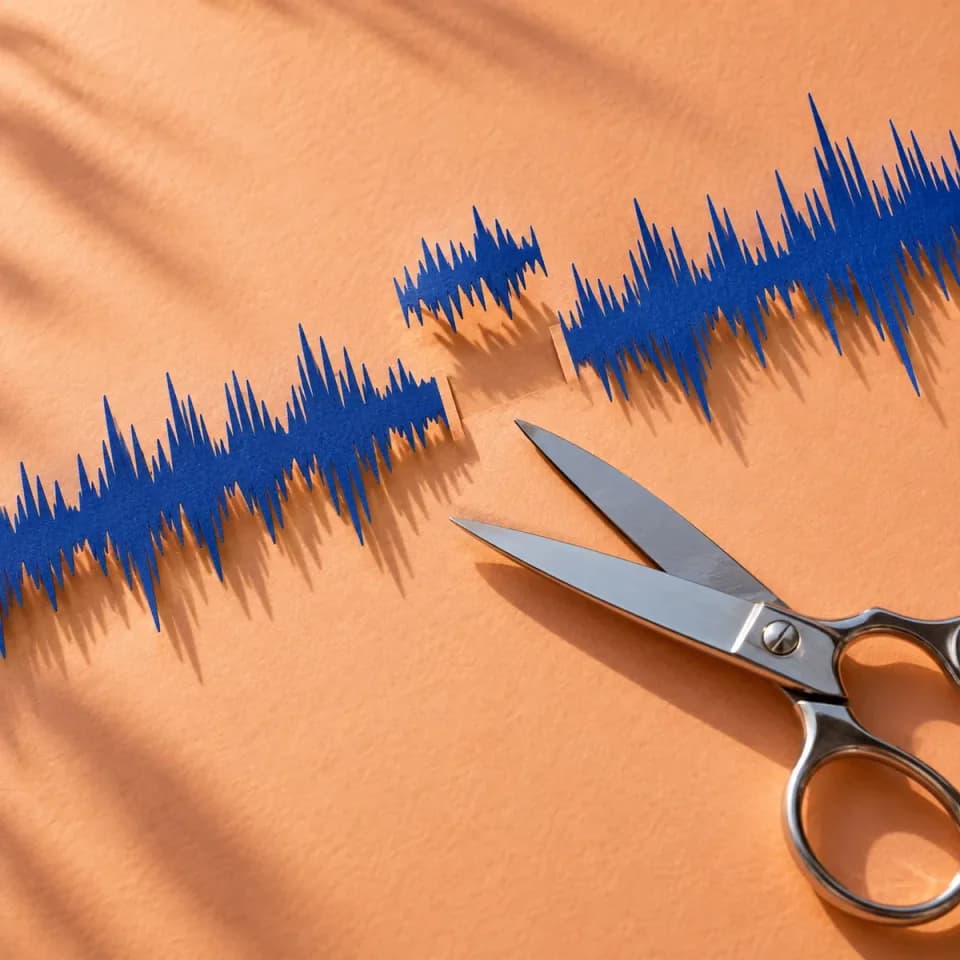
Leave out the silence before a song or stop just after the last word. Zoom into the waveform, drag the handles, or enter exact times to refine your selection.
音声カットを試す無料音声カッターFind the chorus, skip a long intro, or isolate a moment from a recording. Select and preview audio clips online with a waveform that helps you see where to cut.Select and preview audio clips, from a chorus to a recording excerpt.
Leave out the silence before a song or stop just after the last word. Zoom into the waveform, drag the handles, or enter exact times to refine your selection.
音声カットを試す無料音声カッター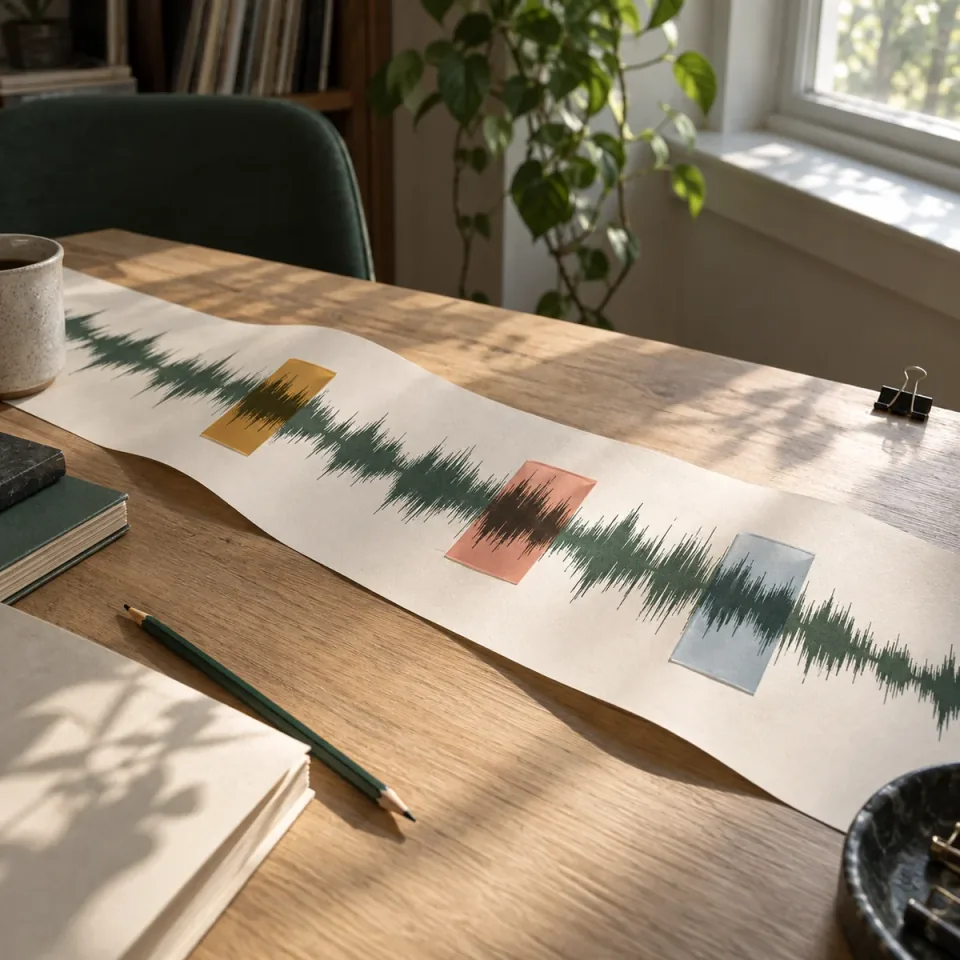
Mark a chorus, a verse, and an instrumental break without opening the same recording again. Give each clip its own start and end points, then listen to them individually.
音声カットを試す無料音声カッター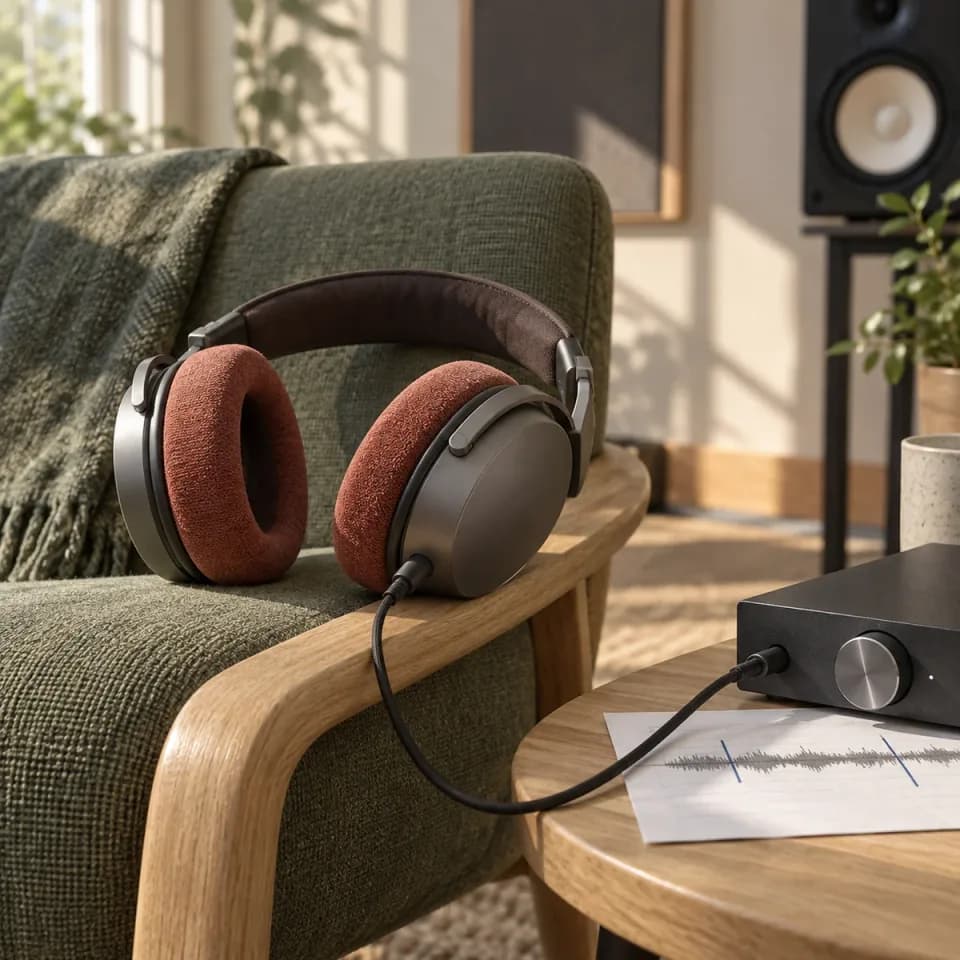
Loop a selection to catch an abrupt ending or a clipped first word. Adjust the boundaries and compare with the full track until the timing feels right.
音声カットを試す無料音声カッターEditing and preview are available. Export is coming soon.
音声カットを試すSelect a completed song or open a local audio file up to 100 MB.
Click Open Editor, then drag the handles or enter exact times to define your clips.
Listen to each clip and adjust its boundaries. File export will be available in a later update.
Create a song, shape its sound, separate vocals, or turn it into a music video. Find the right tool for your next step.
Editing and preview are available. Export is coming soon.
Choose a song or a local audio file, then click Open Editor. Drag the selection handles around the part you want, or enter its start and end times. Use Preview clip and Loop to check that the first and last notes are not cut short.
For songs selected from My Songs, choose Remove selected and mark the section to leave out. Use Preview join to hear the transition or Preview result to hear the edited sequence. Local files currently support selecting clips to keep.
Yes. Add a clip for each moment you want to keep, set its own start and end times, and preview it separately. This is useful for comparing hooks or picking highlights from a longer recording. Downloading those clips is not available yet.
Choose a local audio file up to 100 MB. The file picker accepts common formats including MP3, WAV, FLAC, OGG, M4A, and AAC, but playback depends on your browser's codec support. If a file will not load, try a playable MP3 or WAV copy.
No. Selecting and previewing clips does not overwrite or re-encode your original song or local file. You can adjust the selection or undo an edit while working, without changing the source recording.
You can select a section and preview its length and timing now. Downloading a ringtone or a finished clip is not available yet because export is still coming soon. The format options in the editor do not create an output file.
No. Edits are held in the current page session, and saved history is not available yet. Before refreshing or leaving, note the start and end times of any clips you want to recreate. Your original audio remains unchanged.